SETUP GUIDE
Gymzy Attendance Device
Follow the Below Steps.
1
Power On Device
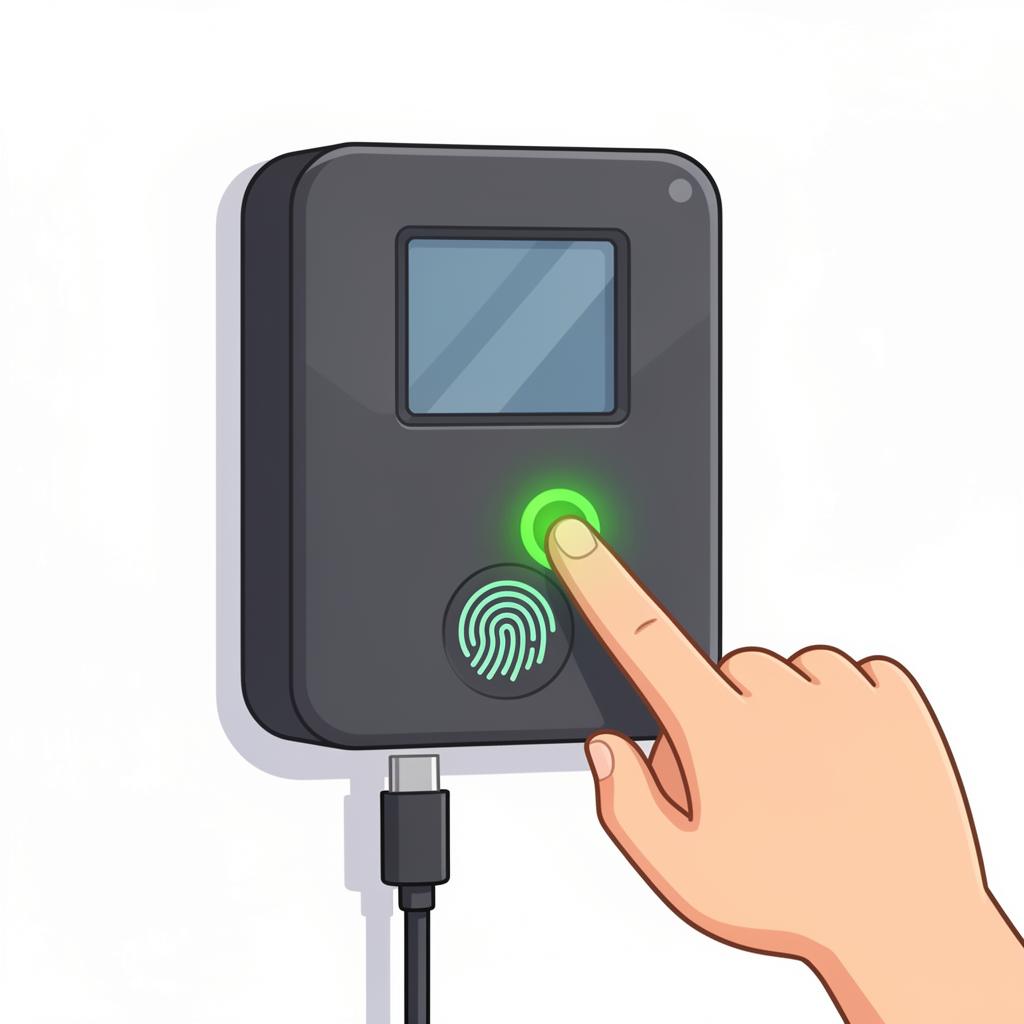
Turn on the hardware device and the router that you want to connect.
💡 Led Blink in Fingerprint means the device is ready.
2
Connect Device to Your Phone WiFi
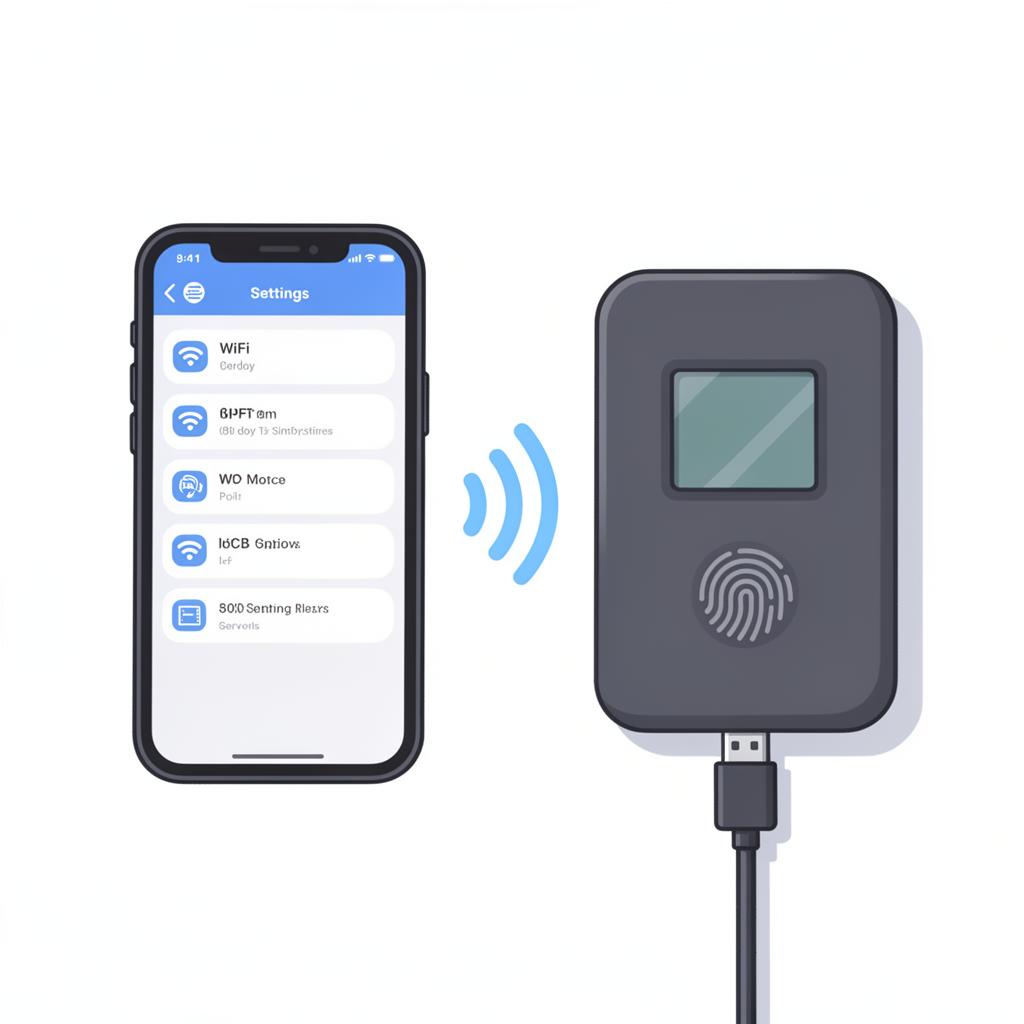
On your phone or laptop, open WiFi settings and select the Gymzy device network.
📶 WiFi Name: GYFPXXXXX
🔐 Password: 123405678
🔐 Password: 123405678
3
Open Setup Page
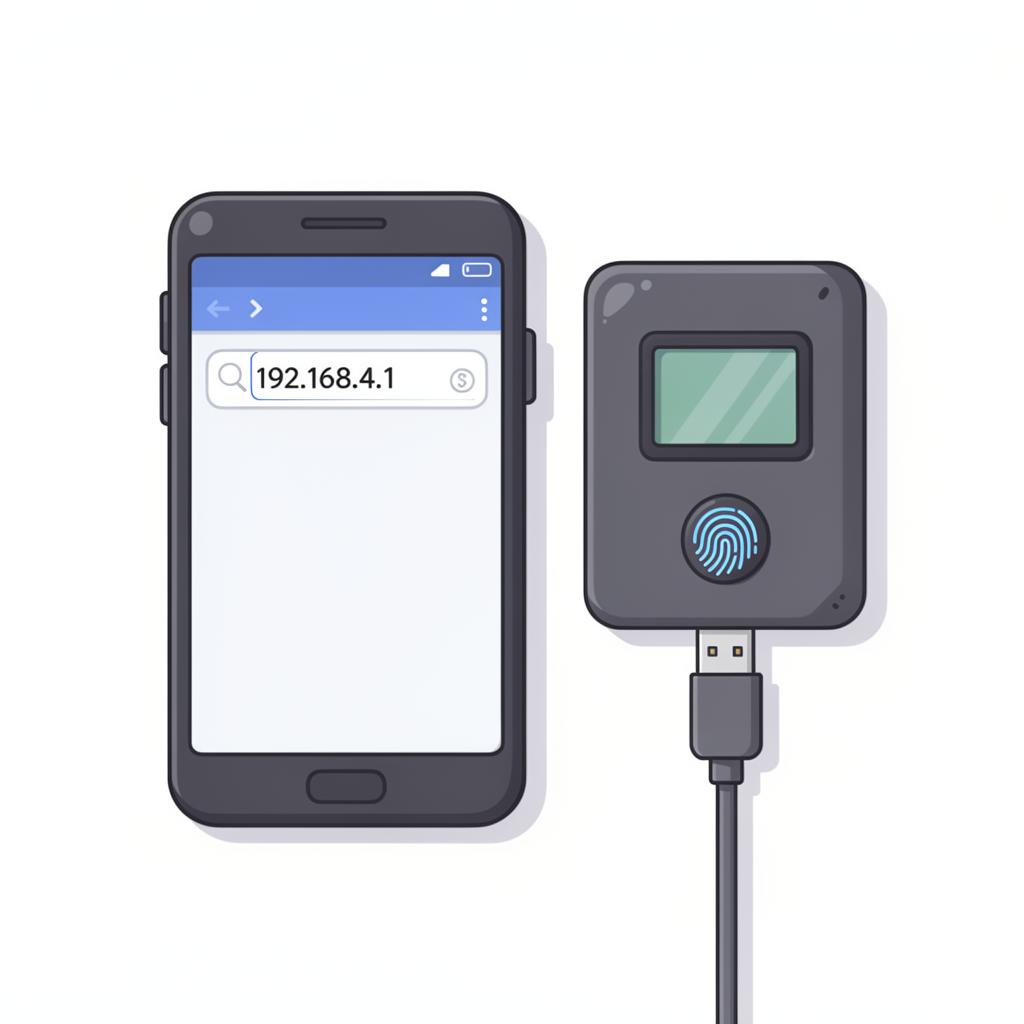
After connecting to the device WiFi, open your browser and enter the following address.
🌐 192.168.4.1
4
Enter WiFi Credentials
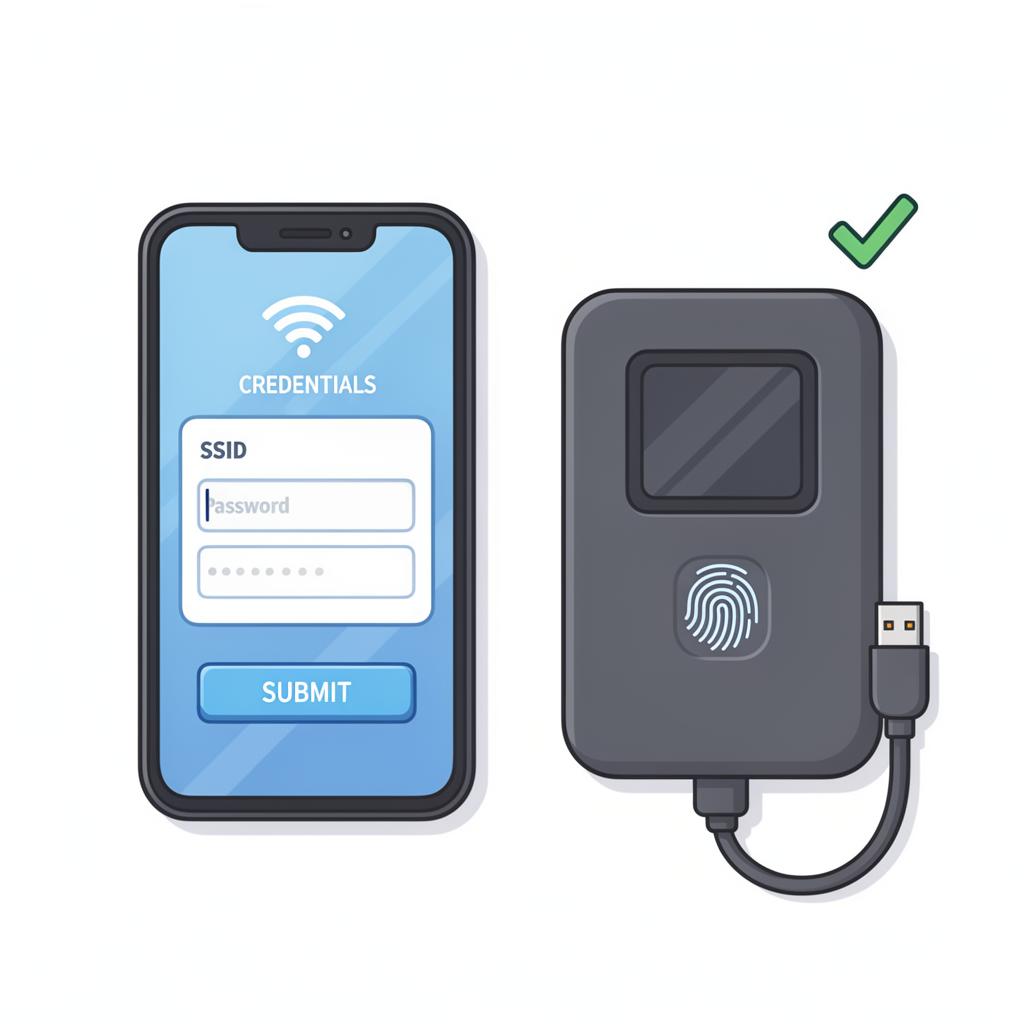
On the setup page, enter your WiFi name and password, then click Submit.
📡 WiFi Name: Router Name
🔐 Password: Router Password